
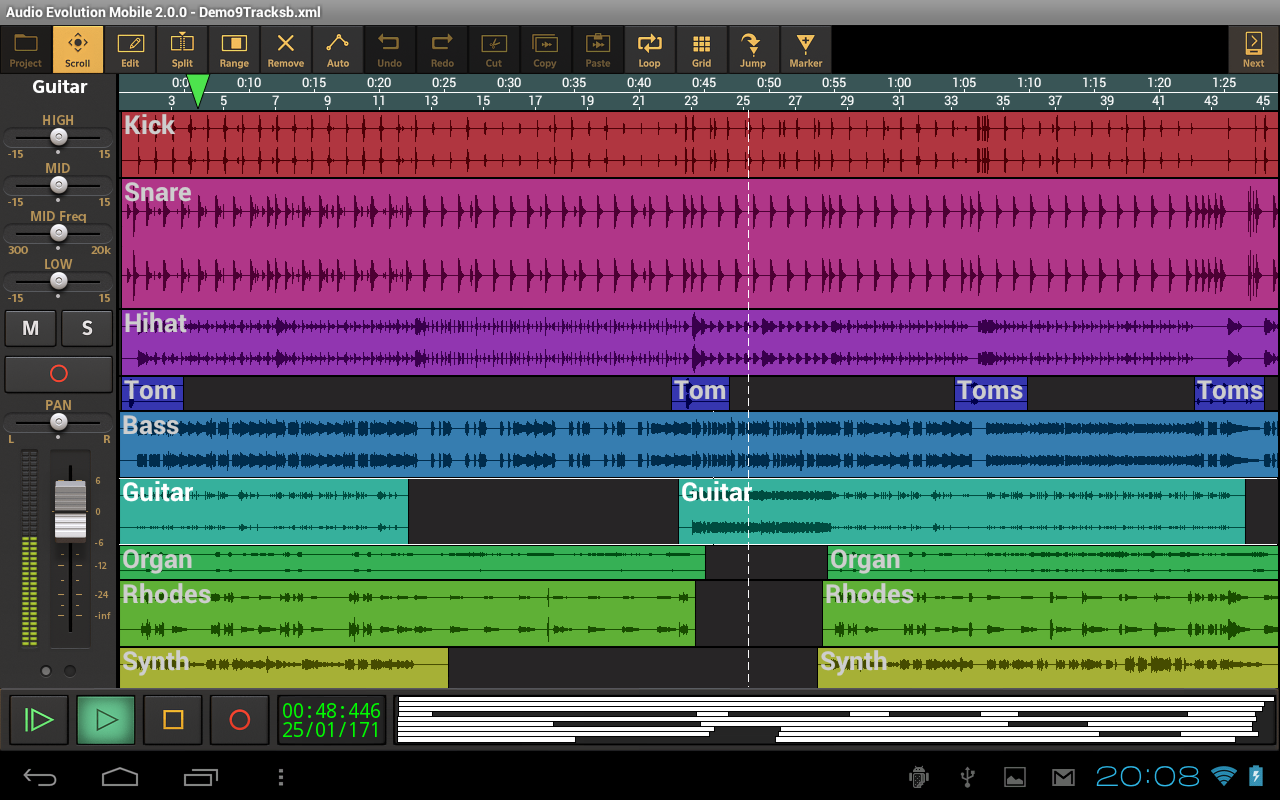
https://play.google.com/store/apps/deta ... d.aemobile" onclick="window.open(this.href);return false;
Manuale: http://www.audio-evolution.com/manual/doku.php" onclick="window.open(this.href);return false;


http://djworx.com/samsung-professional- ... dk-galaxy/" onclick="window.open(this.href);return false;What Is Professional Audio?
Professional Audio allows you to create virtual instrument applications with Android. You can connect and share audio devices and synchronize low-latency shared devices.
Professional Audio improves the environment in which virtual instruments are created by adding high-performance audio processing logic. You can use Professional Audio to create applications without background knowledge in hardware and high-performance drivers. You need not worry about connecting devices between applications. Using the provided modules and a USB MIDI driver, you can create virtual instrument applications with ease.
Professional Audio provides the following features:
Musical Instrument Creation
API for creating professional instrument applications
Support for all functions of the JACK Audio Connection Kit
Plug-ins
Plug-ins for acoustic piano, steel guitar and a standard drum kit
Support for USB Audio devices
Support for Audio input
Usage of the real-time scheduler
It can make a connection between apps at the SDK level
It is easier to move to other apps and support its remote control
Musical Instrument Creation
Professional Audio provides an API for creating professional instrument applications using an SDK and NDK.
You can use the SDK to send MIDI notes, control audio/MIDI ports, access/use added plug-in information, and synchronize virtual instruments.
You can use the NDK to create new sound modules and process high-speed audio signals.
Professional Audio supports all the JACK Audio Connection Kit functions. A separate low-latency audio environment is required for its use.
About JACK
JACK is a system for low-latency real-time processing of audio and MIDI signals. It allows multiple applications to be connected to an audio device and enables sharing between applications. You can place the client within the processor or on the JACK server. JACK can also perform diffused processing between networks (inter-network transmission is currently not supported by Professional Audio due to performance issues). JACK is compatible with a variety of operating systems including GNU/Linux, Solaris, FreeBSD, OS X and Windows. For more information, click on the link below.
http://jackaudio.org" onclick="window.open(this.href);return false;
Plug-ins
You can use the Professional Audio plug-ins to improve the framework functions. To create a piano application for example, you can use the piano provided by the synthesizer plug-in to send MIDI notes. You can create applications without expert knowledge in virtual instruments and audio signal processing.
The Professional Audio SDK includes acoustic piano, steel guitar and standard drum kit plug-ins.
A wave table synthesizer and a variety of effect plug-ins are available on the support website.
Restrictions
Professional Audio has the following restrictions:
Only devices with the Professional Audio Framework
Framework performance depends on device specifications
When Professional Audio operates in background mode, it may affect the performance of other applications


