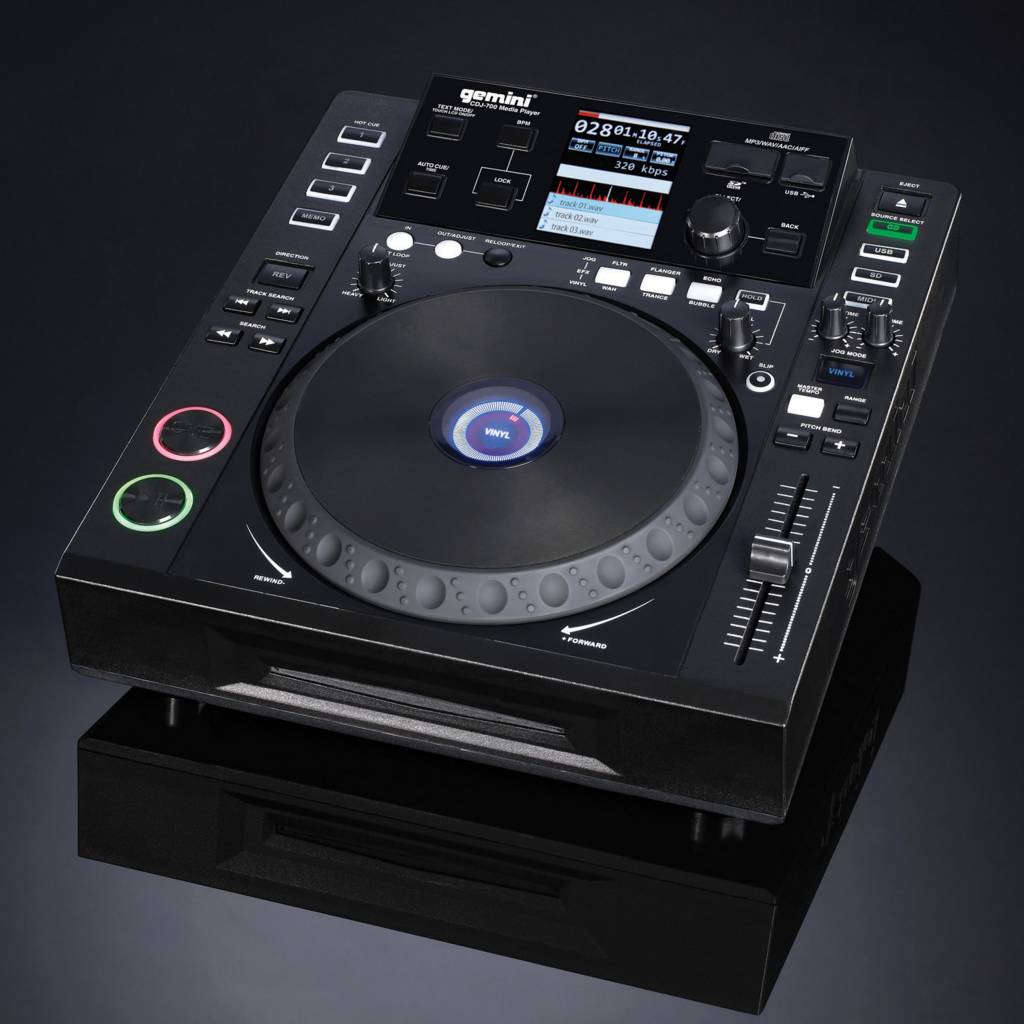
Firmware 4.3
Added support for mono WAV & AIFF files playback
V-case support Increasing the number of the song while search ( browser/explorer is expanded to include more lines of text)
Random bug fixes
Firmware 4.4
BPM calculation algorithm that is superior to previous version
Solved Pitch wobbling issue
Known crash/freeze issues are solved
Improved Audio delay in midi mode
Fixed issue when playing long MP3 files
Cue points are improved
Random bug fixes
Firmware 4.5
Fixed problem playing back WAV files.
Fix for MP3 files with multiple ID3 tags.
Fixed a bug with pre-reading point buffers from a database.
Stopped the player from trying to read from a bad disk.
Decreased the time needed to determine that the disk is bad.
Fixed bugs related to Slip mode and platter release.
Fixed memory leak.
Fixed a bug with the search function when platter is playing in reverse.
Fixed a bug with search mode.
Fixed a problem related to files with a VBR header.
Fixed a problem with incorrectly ejected USB sticks.
Fixed a problem related to slip mode being cancelled when the loaded track is changed.
Fixed problems with manipulating a hotcue inside of an active loop.
Fixed an audible "click" when a track is opened with auto-cue turned on.
Fixed a problem related to incorrect audio at the beginning of a track.
Fixed a problem that occurred when taking the player out of MIDI mode.
Fixed a problem with the Master Cue.
Fix a bug where the player would not see a firmware update on attached USB media if there was only one update on the drive.
Optimized player code.
Added CDFS support, and auto-recovery after CDROM failure.
Adjusted pitch bend button sensitivity and made track skipping faster.
Enhanced the performance of the stutter cue at the start and end of files.
Firmware 4.6
Fixed bug with audio skip
Firmware 4.7
Fixed a problem with connecting of USB stick.
Added V-case support.
Gli aggiornamenti sono disponibili tramite il software Gemini Updater
https://geminisound.com/pages/downloads
Per aggiornare il firmware collegare il lettore al computer tramite il cavo USB e lanciare l'updater, per farlo riconoscere al computer ricordarsi di metterlo in modalità MIDI tramite l'apposito tasto. Una volta aggiornato verrà detto di spegnerlo e alla riaccensione controllare sul display la versione del firmware indicato.
Se doveste aver bisogno di caricare un firmware precedente all'ultimo 4.5 siete pregati di contattare Gemini:
https://geminisound.com/pages/support
 Welcome on digitaljockey.it